TUVYT Logo

TUVYT

Timely Unified Vehicles for Your Transit.

From

FUERZAFORGE

"Ride faster. Travel smarter. Move everything."

Loading Driver Guide... Please wait
TUVYT Driver Guide - Non-Route and Route-Based Captain Manual. • "Ride faster. Travel smarter. Move everything." • FuerzaPay Instant Settlement & Wallet • Onboarding, Equity, Fair Interpolation, and Commission Management
Captain Manual

Complete TUVYT Driver & Fleet Manual

Your official reference guide for captain onboarding, vehicle registration, pricing configurations (Equity and Fair with Interpolation), payment collateral rules, and trip management.

Onboarding Step 1

Non-Route Based Driver Registration

Step-by-step instructions for motorbikes, taxis, three-wheelers, and similar city transit captains.

Driver Onboarding Registration

Registration & Fleet Onboarding Workflow

  • 1Switch your profile to Driver mode in the app.
  • 2Navigate to Add Vehicle in your captain dashboard.
  • 3Enter a clear vehicle photo and choose your vehicle type (Motorbike, Taxi, Three-Wheeler, etc.). Note: Drivers can select any one category but cannot duplicate the same category.
  • 4Specify your Service Coverage, Operating Region, Vehicle Model, Vehicle Color, Plate Number, and NIN (National Identification Number).
  • 5Toggle if you use your smartphone daily for dispatch operations.
  • 6Upload required verification documents as clear image files: Driving License, Vehicle Registration Card, Insurance Certificate, and Passport Photo.
  • 7Submit application and wait for admin approval.
Tariff & Earnings

Pricing Models, Interpolation & Commission

Configure how you earn, manage cash collaterals, and apply fair tariff rules.
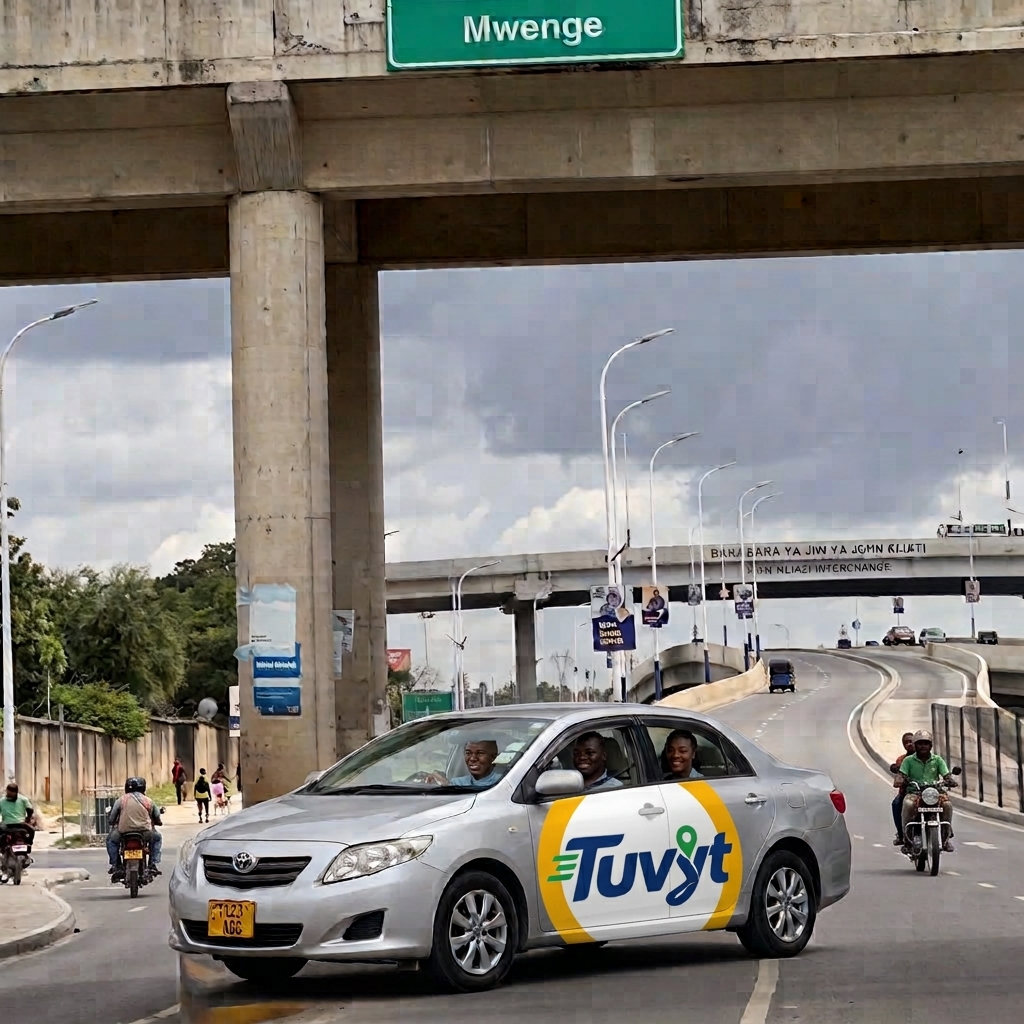
Operational Pricing & Payment Rules

  • 1Ignite the Online button to start receiving dispatch requests.
  • 2Choose your pricing model: Equity, Fair, or Both.
  • 3When Fair is selected, choose whether to enable Interpolation or no Interpolation. Interpolation ensures prices do not exceed the set limit while treating excess amounts within a defined range.
  • 4Cash Payment Rule: To receive cash payments, deposit money into your digital wallet to serve as collateral.
  • 5Wallet & Phone Payments: To receive via wallet and mobile phone numbers, no deposit is required; a flat 15 percent commission is charged across all payment methods.
Pricing and Commission Rules
Trip Lifecycle

Request Handling & Earnings Management

Manage incoming passenger requests, suggest custom fares, and track your daily or weekly earnings.
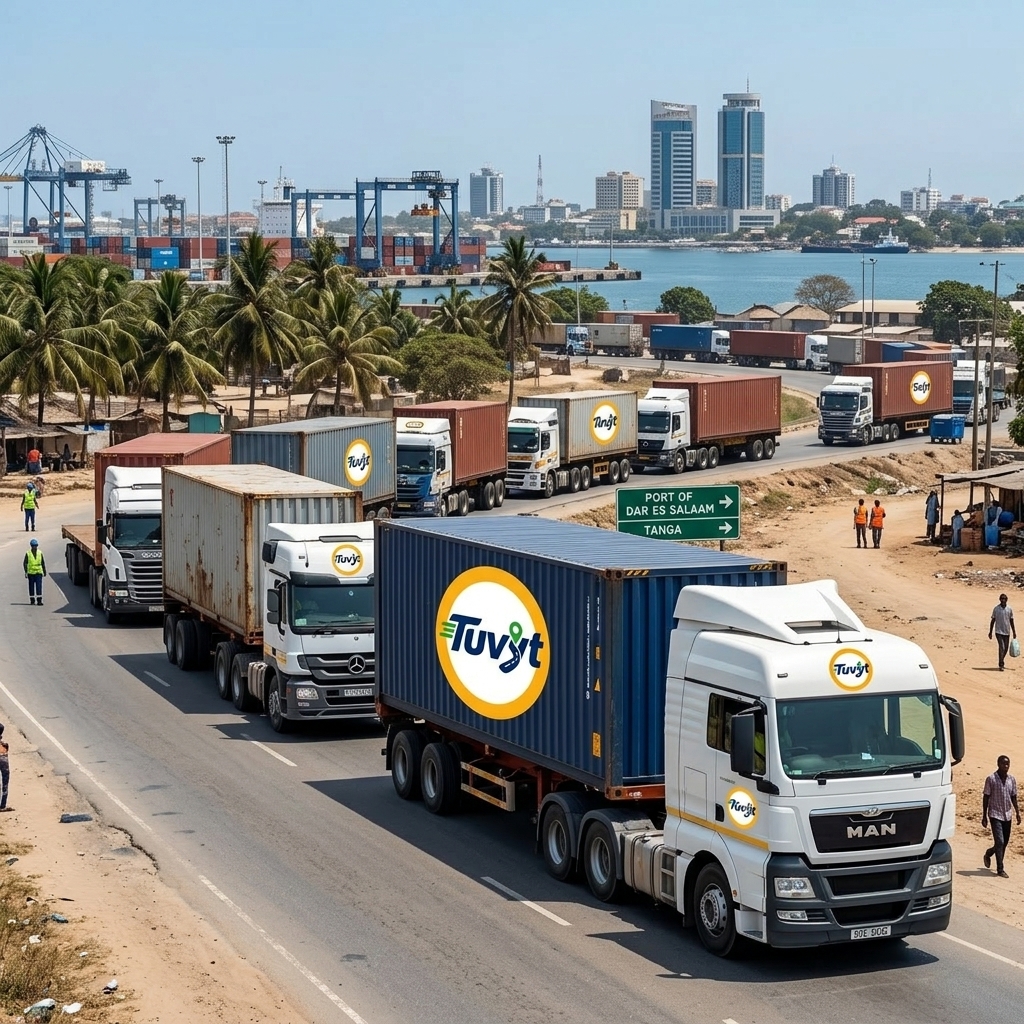
Request Handling and Earnings

Request & Earnings Workflow

  • 1Receive incoming requests after users update trip details. You can choose to decline, open, or accept.
  • 2When opening a request, you can suggest a suitable fare from prefilled options. Once the user confirms, proceed to pickup.
  • 3Navigate to pickup, confirm arrival, and proceed to drop-off.
  • 4Track daily, weekly, and monthly earnings directly from your captain dashboard.
  • 5Withdraw accumulated funds from your wallet whenever your balance reaches the minimum withdrawal limit.
Route & Charter Fleet

Route-Based Drivers & Special Charters

Advanced controls for regional buses, commuter daladalas, backhauls, roundtrips, and private hire quotes.
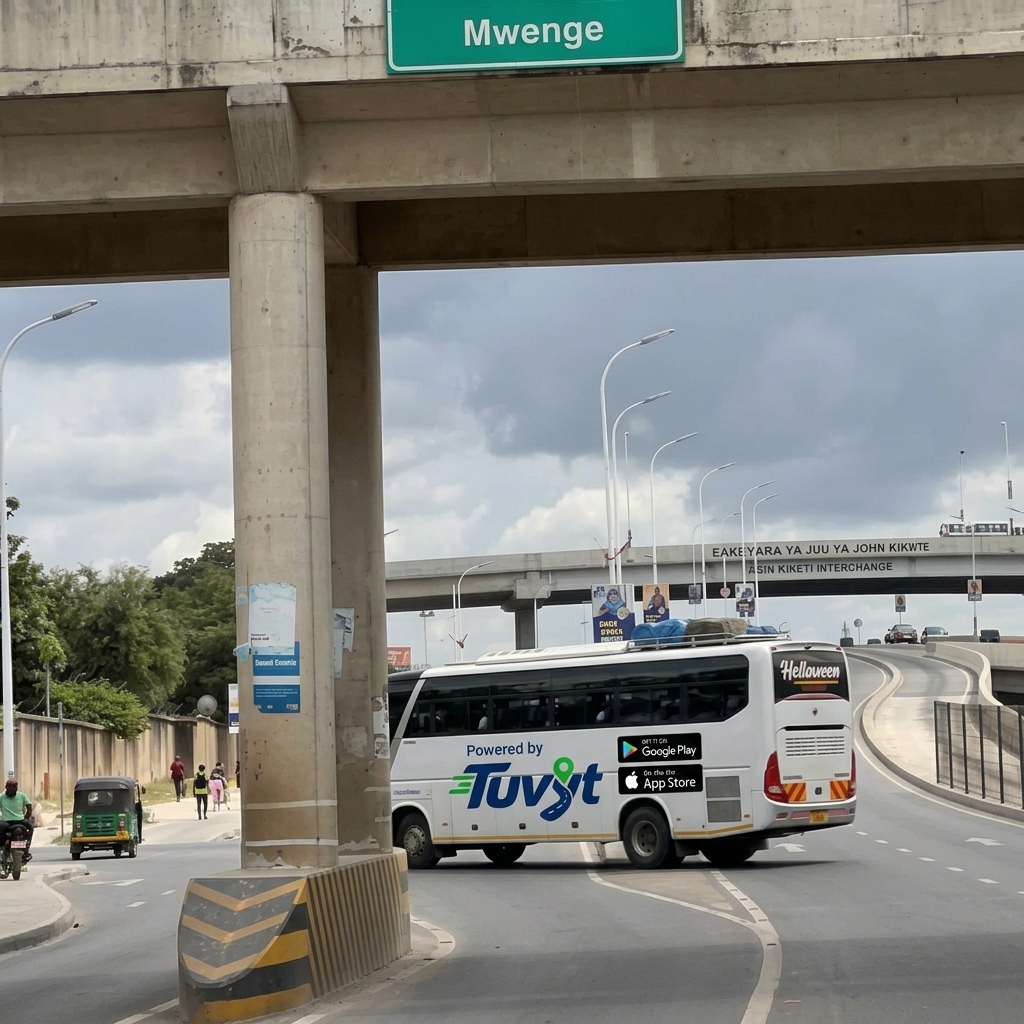

Route & Charter Workflow

  • 1Route-based drivers have an Accept button toggle to notify nearby users instantly.
  • 2Use the Route Pin/Off toggle to enable or disable active route matching.
  • 3Set pricing between metered and fair, choose interpolation or both, and provide custom quotes for private hire requests.
  • 4Enable backhaul and roundtrip options based on vehicle type to maximize return trips.
  • 5Navigate to pickup as usual and send price suggestions during negotiation steps.
Route Based and Charter Drivers
Get on Play Store Download App Store